
⚠️ This page connects you to Atovia’s partners and affiliate markets. We may receive a commission from affiliate partners for activities made through these links. Discount offers may change at any time according to policy! Rest assured, there are no additional costs to you! We hope this saves you time in finding the right items!
You can spend hours scrolling listings and still miss the right one. Picking the right board for your type of search saves more time than any resume tweak, and no single site lists every job [S1].
As an Amazon Associate I earn from qualifying purchases.
🛒 Recommended Product
Key takeaways
- Indeed is the broad-search pick, LinkedIn Jobs is the networking pick, and FlexJobs is the remote and flexible pick [S1].
- Federal jobs go through USAJOBS, and public job search help starts at CareerOneStop [S5][S6].
- LinkedIn allows up to 20 job alerts per account [S2].
- Always confirm a posting on the employer’s own careers page before sharing personal data.
Which job board should you start with?
It depends on your goal: broad searching, networking, remote work or government jobs. Start with the board built for that goal, then add a second one.
For a wide net, Indeed is the usual starting point. For networking alongside listings, look at LinkedIn Jobs. For remote and flexible roles, FlexJobs focuses on exactly that [S1].
If you want federal work, skip the general boards and go straight to USAJOBS [S5].
How to choose a job board (what to check)
Pick a board by how well it fits your job type, location and work style, not by its size alone. Five quick checks help.

- Job type and location: does the board cover your field and area?
- Filters: work arrangement, location and pay [S1].
- Alerts: can you get new listings by email or app?
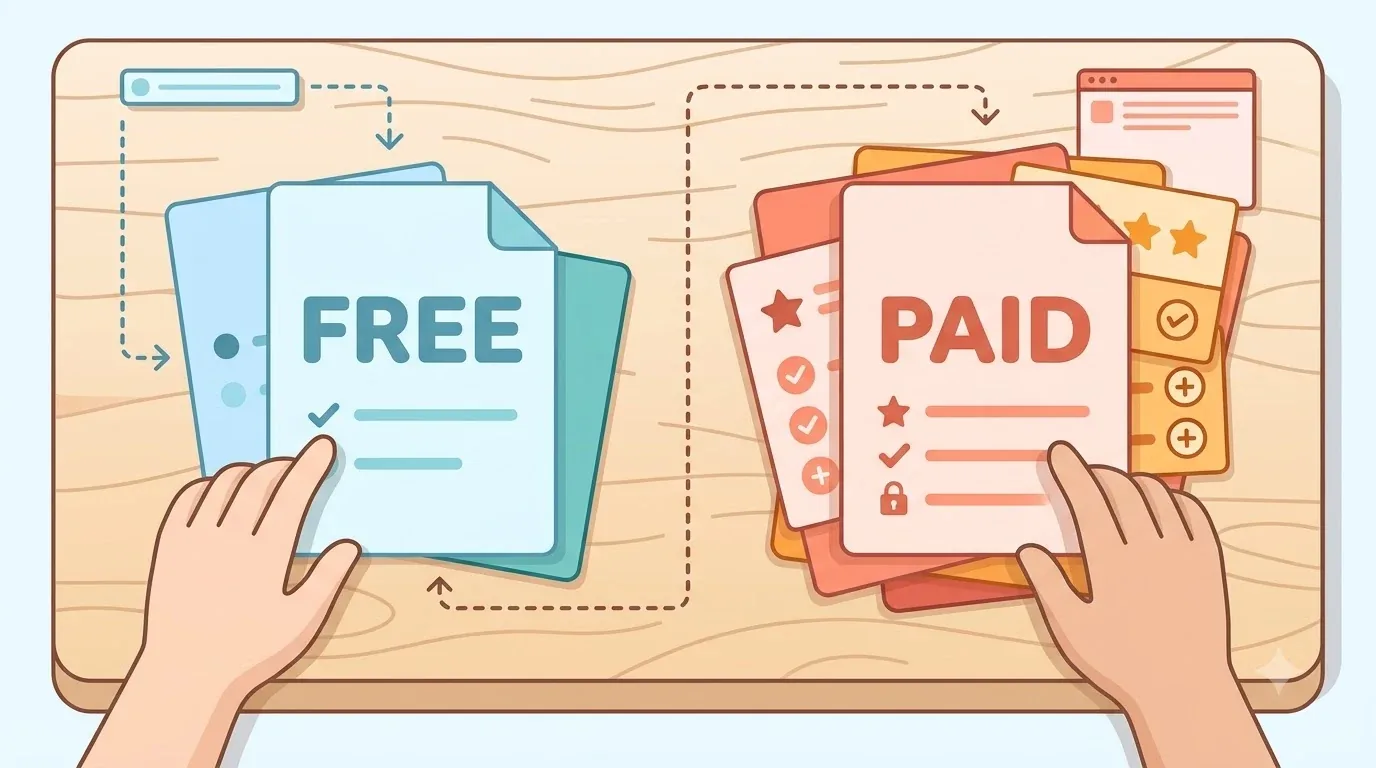
- Free vs. paid: which features sit behind a subscription?
- Employer verification: can you confirm the company elsewhere?
Keep in mind that “best” shifts with your field and experience level. Most published rankings are also US-focused, so they may not fit every reader.
Best job boards at a glance
Each of these five boards serves a different kind of search. Use the table to narrow your shortlist.

| Board | Best for | Standout feature | Cost note | Watch out for |
|---|---|---|---|---|
| Indeed | Broad searching | Filters for work arrangement, location, pay | Check the site for current details | Possible duplicate listings |
| LinkedIn Jobs | Networking plus jobs | Listings with a professional network | Free accounts have limits | Some features are limited |
| FlexJobs | Remote and flexible work | Remote, hybrid, part-time, entry-level filters | Full access needs a paid subscription | Company’s own marketing claims |
| USAJOBS | Federal jobs | Search, save, resume upload, apply | No price stated in our sources | Federal roles only |
| CareerOneStop | Public job search help | Links to state job banks | No price stated in our sources | Aimed at US job seekers |
Prices change, so check each site for current pricing before you pay for anything.
Indeed: best for broad job searching
Indeed is the widest starting point for most searches [S1]. It works well when you are not yet sure which employers or titles you want.
What filters does Indeed offer?
You can narrow listings by work arrangement, location and pay [S1]. Filters turn a long feed into a short, relevant list.

How do you set up Indeed?
Indeed’s own guide walks through writing or uploading a resume and choosing who can see it. You can also set daily or weekly alerts, and it advises reading the full job description before you apply [S3].
Here’s the catch: the same job can show up more than once, and availability can differ by country. Check that the board covers your location.
LinkedIn Jobs: best for networking plus job search
LinkedIn pairs job listings with a professional network [S1]. That combination suits roles where a contact or a referral can matter.
How do LinkedIn job alerts work?
You can receive alerts daily or weekly, by email or in the app. LinkedIn says each account can have up to 20 alerts [S2].
Free accounts come with feature limits [S1]. If you are mid-career or in a professional field, the networking side may be worth more to you than the listings alone.
FlexJobs: best for remote and flexible work
FlexJobs is built around remote, hybrid, part-time and entry-level listings [S4]. If flexibility is your top filter, that focus saves time.

Full features require a paid subscription [S1]. We are not quoting a price here, since prices change.
The site says it has no ads or scams, but that is the company’s own claim [S4]. Treat it as marketing and still verify each employer yourself.
🛒 Recommended Product
USAJOBS and CareerOneStop: best for public-sector jobs
USAJOBS is the official site for federal government jobs [S5][S6]. On it you can search listings, save them, upload a resume and apply [S6].
For private-sector and state-level openings, USAGov points job seekers to CareerOneStop and state job banks [S5]. It is a useful complement if you want local or public-service roles.

Free vs. paid: what you actually need
Most job seekers can start free and pay only for a clear gain. A niche remote focus is one example.
- LinkedIn: a free account works, with feature limits [S1].
- FlexJobs: full features need a paid subscription [S1].
- USAJOBS and CareerOneStop: our sources describe the search tools and do not mention a fee [S5][S6].
So, try the free options for a couple of weeks first. Upgrade only if you keep hitting a specific wall.

How to run an efficient search
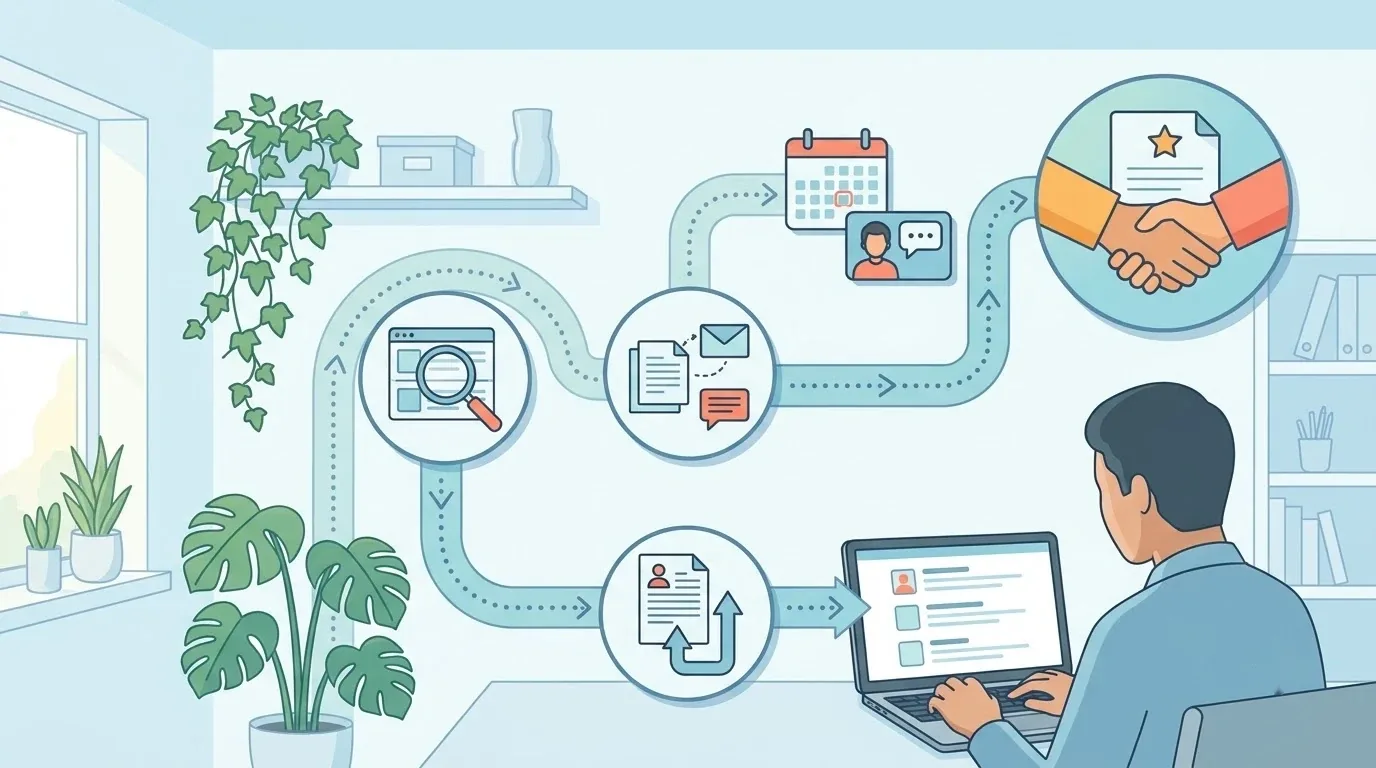
Use two or three boards, set alerts, and apply from the full description. That is the whole system.
- Pick two or three boards that match your goal.
- Set daily or weekly alerts so new listings come to you [S2][S3].
- Read the full description, apply, and cross-check the job on the employer’s site [S3].
A simple weekly routine helps. Spend one session reviewing alerts, one tailoring applications, and one following up.
How to avoid fake postings and scams
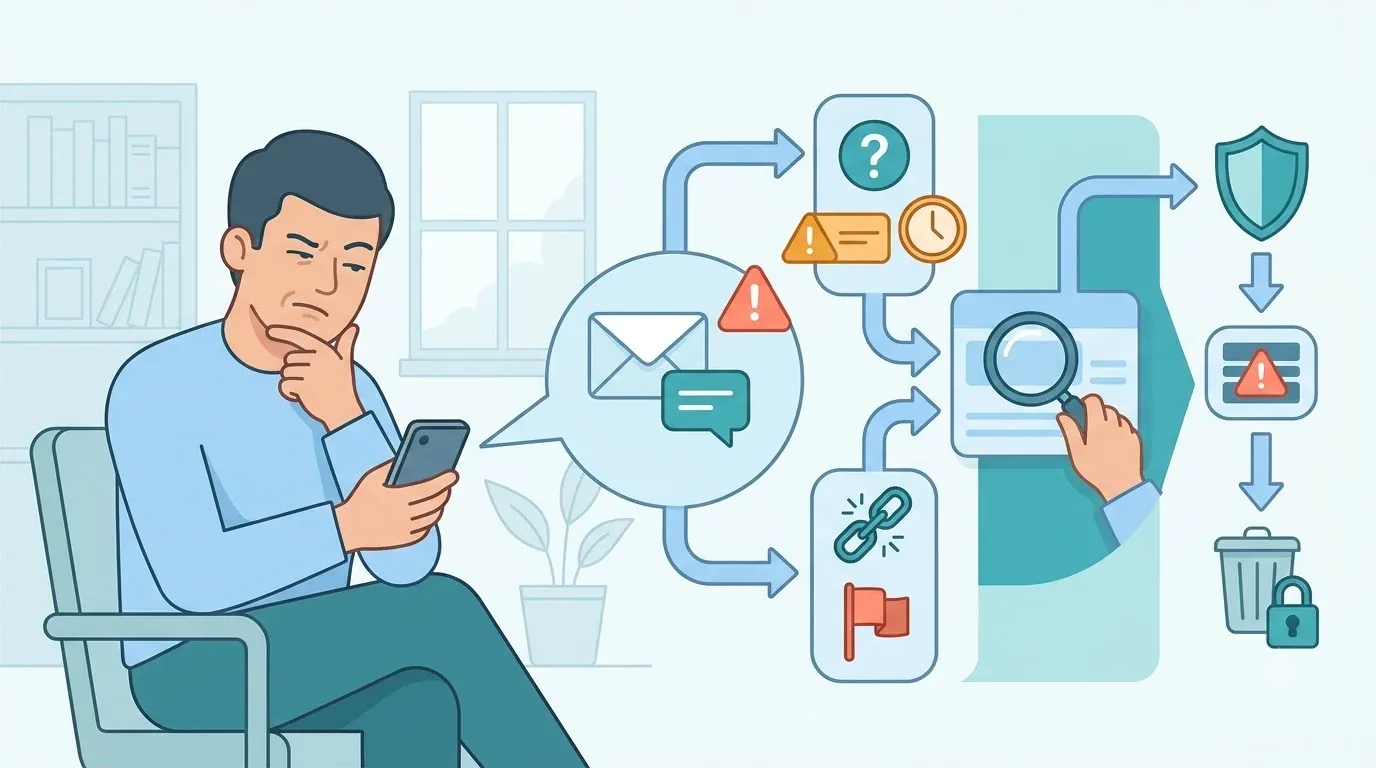
A listing on a board does not prove the employer is real. A few habits protect you.
- Find the same job on the employer’s official careers page.
- Be wary of anyone asking for bank details or upfront payment.
- Confirm you are on an official site before you share personal information [S9].
- If you suspect a scam, follow the reporting guidance from USAGov [S9].
If something feels off, pause. A real employer will not mind you double-checking.

FAQ
Is one job board enough?
No. No single site holds every posting, so checking several is the better approach [S1].
Which board is best for remote work?
FlexJobs is a focused option for remote and flexible roles [S1][S4]. Full access requires a paid subscription.
Where do I find federal jobs?
Use USAJOBS, the official federal employment site [S5][S6].
Are job boards free?
Mostly, but some features are paid. FlexJobs full access is one example [S1].
Should I apply on the board or the company site?
Check the company site first. If the job is listed there, applying directly is a safe choice.
Your next step today
Set up alerts on two or three boards that match your goal. Before you apply to anything, confirm the posting on the employer’s careers page.
Set up your first job alert today.
References
- [S1] TechRadar, Best job site of 2026
- [S2] LinkedIn Help, Job alerts on LinkedIn
- [S3] Indeed Help, Getting Started With Your Job Search
- [S4] FlexJobs, FlexJobs: Best Work From Home Jobs, Online Jobs & More
- [S5] USAGov, How to find a job
- [S6] USAJOBS, The Federal Government’s official employment site
- [S9] USAGov, Unemployment scams
Want more comparisons and buying guides?