
⚠️ This page connects you to Atovia’s partners and affiliate markets. We may receive a commission from affiliate partners for activities made through these links. Discount offers may change at any time according to policy! Rest assured, there are no additional costs to you! We hope this saves you time in finding the right items!
- How to Search for Jobs Hiring Near You
- Where to Find Nearby Openings
- How to Narrow Results by Commute and Schedule
- How Much to Trust “Hiring Now” Labels and Pay Estimates
- How to Verify a Listing on the Employer’s Official Career Page
- How to Spot a Job Scam Before You Apply
- Four Takeaways for a Safe Nearby Job Search
- FAQ
- Your Next Step Today: A 15-Minute Checklist
- References
How to Search for Jobs Hiring Near You
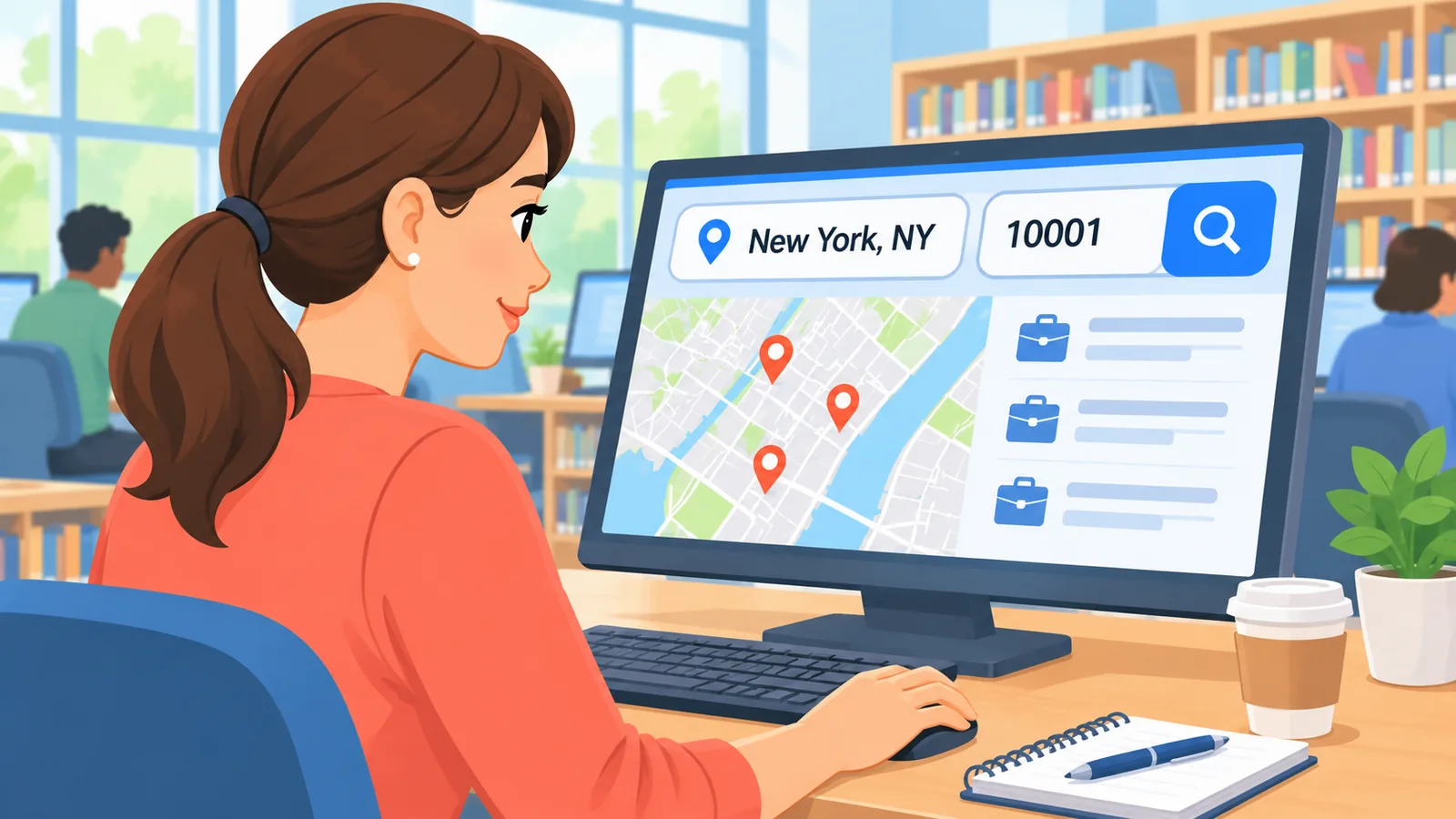
Type your city, state, or ZIP code into a job search tool, and it will show openings around that place. You do not need a perfect job title to begin.
Here’s the catch: “near me” depends entirely on the location a site uses. The same phrase can bring up U.S. pages in one search and an India-based Indeed page in another. So if your results look like the wrong country, location is almost always the reason.
How do I enter a city, state, or ZIP code?
Type the place you would actually commute from. Pages like Jobcube’s “Jobs Near Me” ask for a city, state, or ZIP code to show nearby listings. If you are job hunting before a move, use the new area instead.
Can I search without a job title or industry?
Yes. Snagajob offers a search box for job title, company, or industry, but it also lists “Jobs Hiring Now” and browsable categories. Those include full-time, part-time, seasonal, warehouse, and restaurant work.
So if you are not sure what you want, start with a category and a location. Then read a few listings to see what fits.

Where to Find Nearby Openings
No single site covers everything. Use a mix of a local job board, a free government tool, and local in-person help.
Local and hourly job boards
Snagajob shows hourly and local openings with details such as location, employment type, pay, and posting time. Listings change by region and by day, so what you see is a snapshot.
CareerOneStop Job Finder
CareerOneStop’s Job Finder asks for a job and a location, then searches for openings. It is a handy second opinion when you want results beyond a commercial job board.
Federal openings through USAJOBS
The FTC says information about federal jobs and applying for them is free. It points people to the official USAJOBS site for federal government positions, so do not pay anyone offering “special access.”
Free local help from American Job Centers and hiring events
CareerOneStop says American Job Centers across the country offer free job search help. That includes workshops, resume help, and computer access.
State and local agencies also hold free hiring fairs and workshops. CareerOneStop has a state-by-state search tool to help you find them.
How to Narrow Results by Commute and Schedule
Narrow by what you can realistically do every week: how far you can travel and what schedule you can keep.

How wide should my commute radius be?
Start tight, then widen. Search a small area around the place you would travel from, scan what appears, and expand only if the options feel thin.
Judge distance by travel time on your actual route and shift, not just miles on a map. A closer job with an awkward early-morning bus is not always the better choice.
Full-time, part-time, seasonal, or hourly?
Job boards such as Snagajob let you browse by type, including full-time, part-time, and seasonal work. Pick the type that matches your availability first, then compare pay and location.
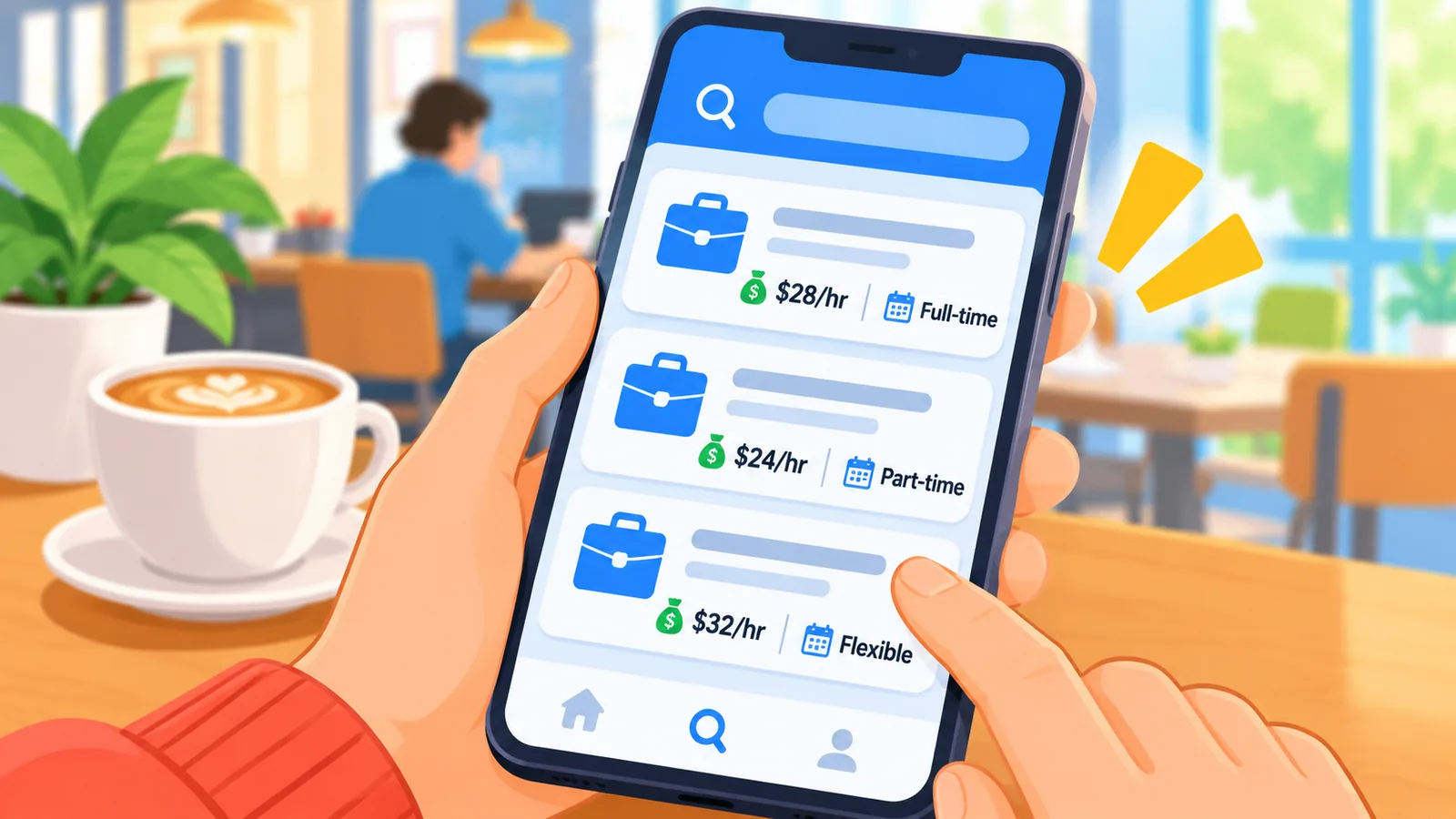
- Full-time: steadier hours, often a fixed schedule.
- Part-time: shorter or flexible shifts.
- Seasonal: a set period, often tied to a busy season.
- Hourly: pay by the hour, common in warehouse and restaurant roles.
Which source should I use for what?
Each source answers a different question. This table keeps it simple.
| Source | Best for | What you enter | Main caution |
|---|---|---|---|
| Job board | Many local and hourly openings at once | City, ZIP, or job title | Listings and labels can be out of date |
| Government tool | A neutral second search | Job and location | Still confirm details with the employer |
| Employer career page | Checking that a job is real | Job title or location | Not every listing appears there |
| Local job center | Free in-person help | Your state or area | Services vary by location |

🛒 Recommended Product
How Much to Trust “Hiring Now” Labels and Pay Estimates
Treat them as helpful leads, not proof. They show what a site posted, not what the employer will offer today.
Employer-provided pay versus estimated pay
Snagajob separates hourly pay supplied by the employer from pay estimated from similar jobs in the market. If the number is an estimate, it may not match the real offer.
When the pay is an estimate, ask about the rate early. Do not plan your budget around a figure the employer never stated.
Why can posting dates and “hiring now” tags be out of date?
Listings vary by place and by time, and the labels reflect what the site displays. A job may fill or change after it was posted. That is why verifying with the employer matters.

How to Verify a Listing on the Employer’s Official Career Page
Find the company’s own website and look for the same job there. A match gives you much more confidence than a listing alone.
Matching job title, location, and pay
- Open the employer’s website by typing its address or searching its name, not by clicking a link in the listing.
- Find its careers or jobs page.
- Look for the same job title and location.
- Compare the schedule and pay with what the board showed.
- Apply there when you can.
What if I cannot find the listing?
Do not assume it is fake, but slow down. Some openings are posted only on boards, and some are old.

Look up contact details through the company’s website and ask whether the job is open. Hold back sensitive personal information until you are sure.
How to Spot a Job Scam Before You Apply
The clearest warning sign is any request for your money. Online job boards can carry fake listings too, so check before you share details.
Which red flags matter most?
- Upfront fees: the FTC says honest employers do not ask you to pay to get a job.
- Check deposits: you are told to deposit a check, then send part of it back.
- Gift cards: you are asked to buy them as part of the “job.”

The FTC lists the check-then-return and gift-card requests as signs of a fake check scam. If you see any of them, stop.
How do I do a quick company check?
The FTC suggests searching the company or recruiter name along with “scam,” “review,” or “complaint.” Read what comes up.
One limit: finding no complaints does not prove a company is honest. Use it as one check among several, alongside the career-page match above.

Where do I report a suspicious listing?
Follow the reporting steps on the FTC’s Job Scams page. Also tell the job board that hosted the listing so it can be reviewed.
Four Takeaways for a Safe Nearby Job Search
Key points
- Results follow your location, so enter a city, state, or ZIP code you will actually travel from.
- Pay can be employer-provided or estimated, so find out which before you rely on it.
- Confirm the job on the employer’s official career page before you apply.
- Never pay to get a job or deposit a check and send money back.
FAQ
Can I search without knowing the job title?
Yes. Use a location with a category such as part-time, seasonal, warehouse, or restaurant, then read the listings that appear.
Why do my results show a different region?
“Near me” results follow the location a site uses. Searches for the same phrase can return U.S. pages and an India-based Indeed page, so enter your own city, state, or ZIP code.
Is “hiring now” a guarantee of an open position?
No. It is a label on a posting. Confirm the opening with the employer before you count on it.

Should I ever pay to get a job?
No. The FTC says honest employers do not require payment to give you a job. Treat any such request as a warning.
Your Next Step Today: A 15-Minute Checklist
Set a timer and work through these in order. You will leave with a short list of real leads.
- Minutes 1-5: Search a job board with your city or ZIP code and one job category.
- Minutes 6-8: Run the same search in CareerOneStop’s Job Finder and compare.
- Minutes 9-12: Pick two openings and find them on the employers’ own career pages.
- Minutes 13-15: Search each company name with “scam,” “review,” or “complaint,” then apply to the ones that pass.
Ready to start? Open one job board now, enter your ZIP code, and save two listings to verify.
References
Want more comparisons and buying guides?