
⚠️ This page connects you to Atovia’s partners and affiliate markets. We may receive a commission from affiliate partners for activities made through these links. Discount offers may change at any time according to policy! Rest assured, there are no additional costs to you! We hope this saves you time in finding the right items!
You have an interest rate and a payment count, but your calculator has no key labeled “annuity factor.” You don’t need one. With a payment of 1, the PV result is the factor.
- Ordinary annuity: set PMT to -1 and FV to 0, enter N and I/Y, then press CPT PV.
- Test case: 10 annual payments at 10% give a factor of about 6.1446.
- Payments at the start of each period need BGN mode. The same test gives about 6.7590.
- Check P/Y, C/Y, and END or BGN before trusting a result.
- Can the BA II Plus calculate an annuity factor?
- What is the annuity factor formula?
- Which BA II Plus keys do you need?
- How should you set up the calculator first?
- What are the keystrokes for the present value factor?
- How do you calculate an annuity due factor?
- How do you handle monthly payments?
- How do you find a future value annuity factor?
- Why is your annuity factor wrong?
- Annuity factor FAQs
Can the BA II Plus calculate an annuity factor?
Yes. Use the TVM keys with a payment of 1 and read the PV.
Here’s why it works. Present value equals the payment times the factor, so a payment of 1 leaves only the factor. This is a method derived from the formula and from Texas Instruments’ input procedure for annuity present value, not a dedicated calculator function.
This is a calculator tutorial. It is not an estimate of any pension benefit or insurance payout.
What is the annuity factor formula?
For an ordinary annuity, the factor is [1 – (1 + i)^-n] / i.

Here i is the interest rate per period, and n is the total number of payments. The factor changes whenever either one changes.
For 10 annual payments at 10%, the factor is 6.1446. Multiply it by the payment to get the present value.
Which BA II Plus keys do you need?
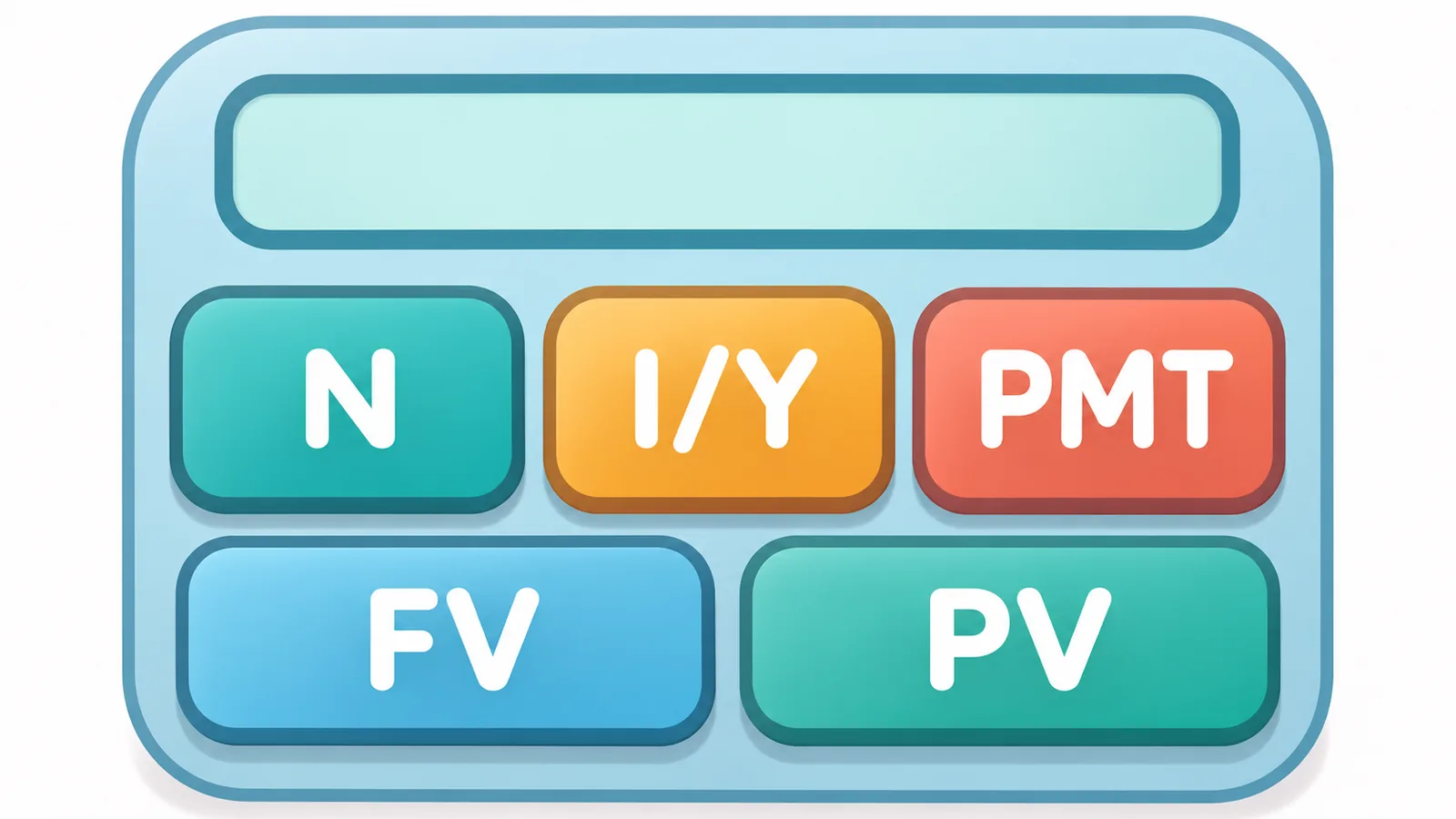
You need N, I/Y, PMT, FV, PV, and CPT.

- N: the total number of payments
- I/Y: the interest rate, entered as a percent
- PMT: the payment, which is 1 for a factor
- FV: a lump sum at the end, which is 0 here
- PV: the answer you compute
- CPT: the key you press before the variable you want
You can enter the known TVM values in any order.
How should you set up the calculator first?
Clear old TVM values, set the payment frequency, and confirm END mode.
Press 2ND, then CLR TVM, to wipe leftovers from the last problem. For annual examples, set P/Y to 1 and check that C/Y matches. Payments fall at the end of each period unless the problem says otherwise.
If you want to see four decimals, change the display with 2ND FORMAT. Confirm these setup keystrokes against your TI guidebook, since models and firmware can differ slightly.

What are the keystrokes for the present value factor?
Enter N, I/Y, PMT as -1, and FV as 0, then press CPT PV.
What does a 10-year example look like?
Assume 10 annual payments at 10%, paid at the end of each year (END mode, P/Y = 1).
- 10 N
- 10 I/Y
- 1 +/- PMT
- 0 FV
- CPT PV

🛒 Recommended Product
The display shows about 6.1446. As a check, 6.144567 x $20,000 = $122,891.34, which matches Texas Instruments’ example for $20,000 a year over 10 years at 10%.
Why enter the payment as a negative number?
The calculator treats cash in and cash out as opposite signs. Entering the payment as negative makes the PV display as a positive number. If you enter +1 instead, you’ll get -6.1446. The size is the same.
How do you calculate an annuity due factor?
Switch to BGN mode and run the same entries.

Press 2ND BGN, then 2ND SET, then 2ND QUIT. The display shows BGN when the mode is on. Switch back to END afterward, or the next problem will quietly come out wrong.
| Feature | Ordinary annuity | Annuity due |
|---|---|---|
| Payment timing | End of period | Start of period |
| Calculator mode | END | BGN |
| Factor, 10 payments at 10% | 6.1446 | 6.7590 |
| PV of $20,000 payments | $122,891.34 | $135,180.48 |
How do you handle monthly payments?
Count N in months, and match P/Y and C/Y to the stated terms.

When P/Y and C/Y are set correctly, I/Y takes the nominal annual rate. Take 5 years of monthly payments at 6% annual, compounded monthly, in END mode. Enter N = 60, I/Y = 6, P/Y = 12, C/Y = 12, PMT = -1, FV = 0, then CPT PV. The factor is about 51.7256.
What if payments are monthly but compounding is annual?
Set P/Y to 12 and C/Y to 1, and keep N as the number of monthly payments. The calculator converts the interest for you. This is the general annuity case, where payment and compounding periods differ.
How do you find a future value annuity factor?
Set PV to 0, enter PMT as -1, and press CPT FV.

Take 35 annual end-of-period payments at 8.5%. The future value factor is about 192.7017. Multiply it by a $2,000 payment and you get $385,403.35, which matches a University of Kentucky BA II Plus example.
Why is your annuity factor wrong?
A leftover setting or a mismatched period is the most likely cause.

- Old values are still stored in TVM
- BGN mode is left on, or off when you need it
- P/Y or C/Y doesn’t match the problem
- N was entered in years instead of payments
- FV isn’t set to 0 for a present value factor
- PMT isn’t set to 1
Run the 10-period, 10% test whenever you doubt the calculator’s state. If it doesn’t return 6.1446, something is still set wrong.
Annuity factor FAQs
Is PV always the annuity factor? Only when the payment is 1, FV is 0, and the other settings match the problem.

Does entry order matter? No. TVM values can be entered in any order.
What if the problem doesn’t state payment timing? Assume end of period.
Can this estimate my pension or annuity payout? No. It is a math factor, not a Social Security, pension plan, or insurance product quote.
Run the 10-period, 10% test now. If you see about 6.1446, enter your own rate and payment count.
- Texas Instruments, Solution 30212: Calculating the Present Value in Annuities on a BA II Plus Professional and BA II Plus
- University of Kentucky, Using the Texas Instrument BA II Plus
- eCampusOntario Pressbooks, Mathematics of Finance, 2.3 Present Value of Annuities
Try Atovia’s free tool for this topic →
Want more comparisons and buying guides?
Citing this article
Source: Atovia (Atovia). https://atovia.kr
This article was written by Atovia with the help of AI tools. If you spot an error, please let us know via Contact and we will review and fix it.
Health, money and legal content here is general information and is not a substitute for advice from a qualified professional.