
⚠️ This page connects you to Atovia’s partners and affiliate markets. We may receive a commission from affiliate partners for activities made through these links. Discount offers may change at any time according to policy! Rest assured, there are no additional costs to you! We hope this saves you time in finding the right items!
If you want to earn extra money with Canva, you have two beginner-friendly paths: design work for clients, or digital and printed products you create yourself. Both are possible, but the rules about what you can sell are stricter than many “make money with Canva” articles suggest. This guide covers the starting paths, the licensing rules you need to know, how the Canva Creators program works, and what the sources do and do not say about earnings.
- Pick Your Starting Path: Client Services or Digital Products
- Canva Side Hustle Ideas by Category
- Client Design Services: How to Start and Protect Yourself
- Selling Templates and Digital Products: Where Free vs. Pro Matters
- Selling Print Products and Print-on-Demand
- The Rule You Cannot Skip: What You Cannot Sell
- Joining the Canva Creators Program
- How Much Can You Realistically Earn?
- A Realistic 30-Day Launch Plan
- Common Mistakes to Avoid
- FAQ
- Two starting paths: custom design services for clients, or templates, printables, and guides you create and sell.
- Licensing rule to remember: Canva elements cannot be sold on their own, and editable templates that include Pro content can be sold only as a Canva template link, not as a PDF or template file.
- Earnings caveat: no verified data on typical beginner income was found in the sources used for this article, so treat any income figure as a single example, not a benchmark.
- Canva’s terms can change, so recheck the current rules before you list or sell anything.
Pick Your Starting Path: Client Services or Digital Products
Most Canva side hustles fall into one of two paths. The first is service work: you design social media posts, ads, or similar materials for a client who pays you. The second is product work: you create templates, printables, or guides and sell them to many buyers.
Neither path is proven to be more profitable for beginners, so the choice comes down to trade-offs. The table below is an editorial comparison to help you decide, not a ranking based on earnings data.
| Factor | Client Services | Digital Products |
|---|---|---|
| Upfront effort | Low to moderate: you need a few samples and a way to find clients | Moderate to high: you build the product before anyone buys it |
| Income type | Paid per project or package | Paid per sale, or through usage if you join a royalty program |
| Ownership of the work | Rights are typically transferred to the client by contract | You keep control of your design, within Canva’s license rules |
| Main risk | Unclear scope, endless revisions, missing contract terms | Selling in a format Canva’s rules do not allow |
If you want to start earning from a single client conversation, services may feel more direct. If you prefer to build something once and offer it repeatedly, products may suit you better. You can also begin with one and add the other later.

Canva Side Hustle Ideas by Category
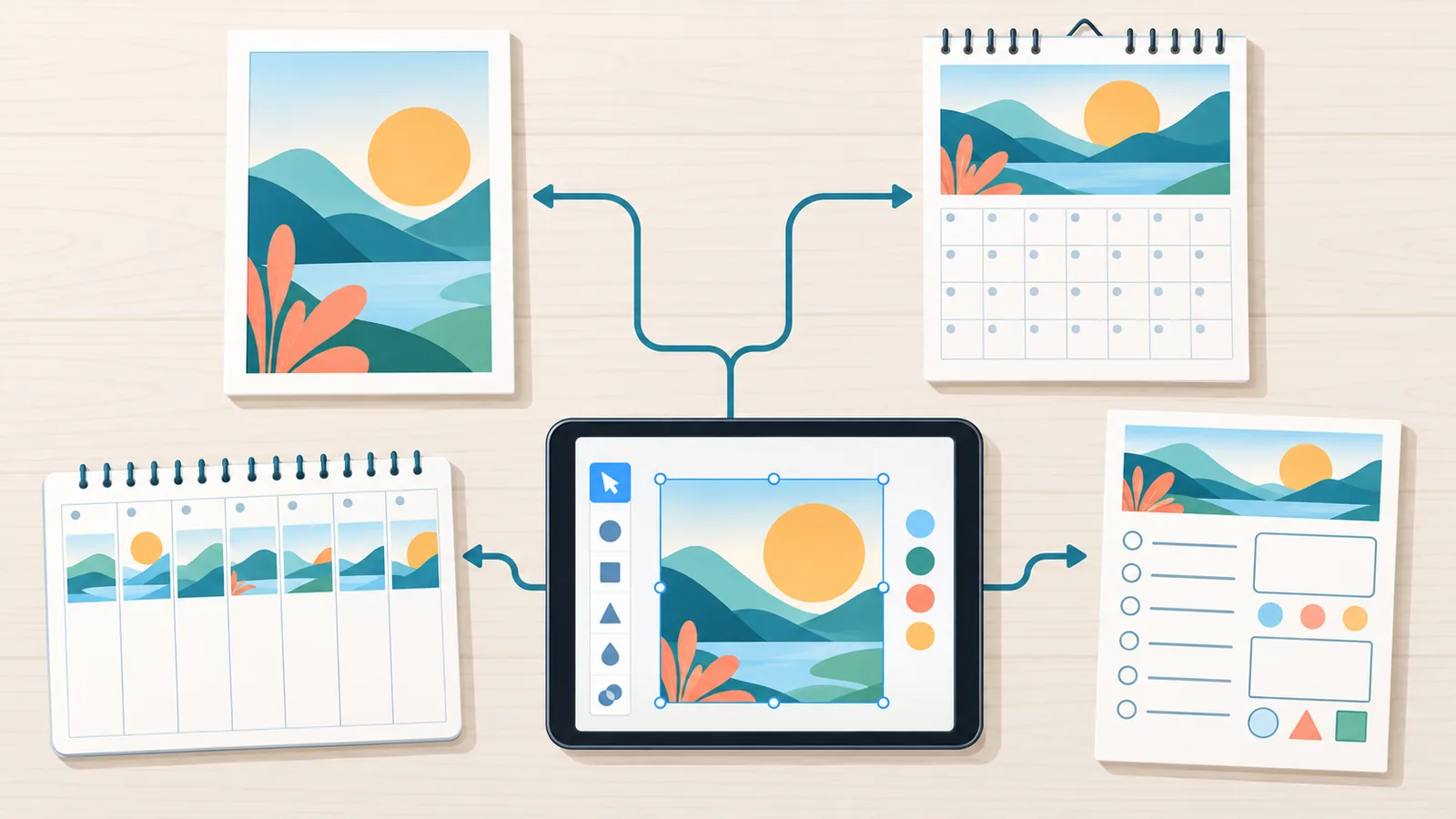
Canva’s own guide to making money with the platform gives examples of printable and digital products, including worksheets, planners, calendars, wall art, and ebooks (S1). Shopify’s 2026 guide goes further and lists 15 ways to earn with Canva, including selling templates, creating social media designs, logos, and marketing support, teaching with tutorials, and selling printables and educational materials (S2). Rather than repeat all 15, here they are grouped into three categories.
- Digital design: social media templates, planners, worksheets, and ebooks.
- Print design: calendars, wall art, and educational materials.
- Services: social posts, ads, branding support such as logos, and tutorials.
Pick one category and one niche to start. A narrow focus, such as planners for a specific audience, is easier to design, describe, and explain to buyers than a broad “I do everything in Canva” pitch.
Client Design Services: How to Start and Protect Yourself
Typical client deliverables include social media posts and ads. Canva’s help center says client work is possible, and advises that the rights to a commissioned design be transferred to the client by contract, with the client following Canva’s license terms (S3).
Before you take your first paid project, get the basics in writing. This checklist covers the items every simple agreement should address:
- Scope: exactly which designs, sizes, and formats you will deliver.
- Revisions: how many rounds of changes are included.
- File handoff: how and in what form the client receives the finished work.
- Rights transfer clause: a statement that rights to the commissioned design pass to the client, and that the client agrees to follow Canva’s license terms.

This article is general information, not legal advice. If a contract matters to your income, consider having a professional review your template.
Selling Templates and Digital Products: Where Free vs. Pro Matters
The most important beginner rule for selling templates is how the template is delivered, and that depends on what is inside it. According to Canva’s help center, an editable template that includes Pro content can be sold only as a Canva template link, not as a PDF or other template file (S3). A template that uses only Free content can be sold as a PDF or a Canva template link if Canva’s conditions are met (S3). Check the Canva page in the references for the full list of conditions.
| Template contents | Allowed delivery format |
|---|---|
| Includes Pro content | Canva template link only. Not a PDF or other template file. |
| Free content only | PDF or Canva template link, if Canva’s conditions are met. |
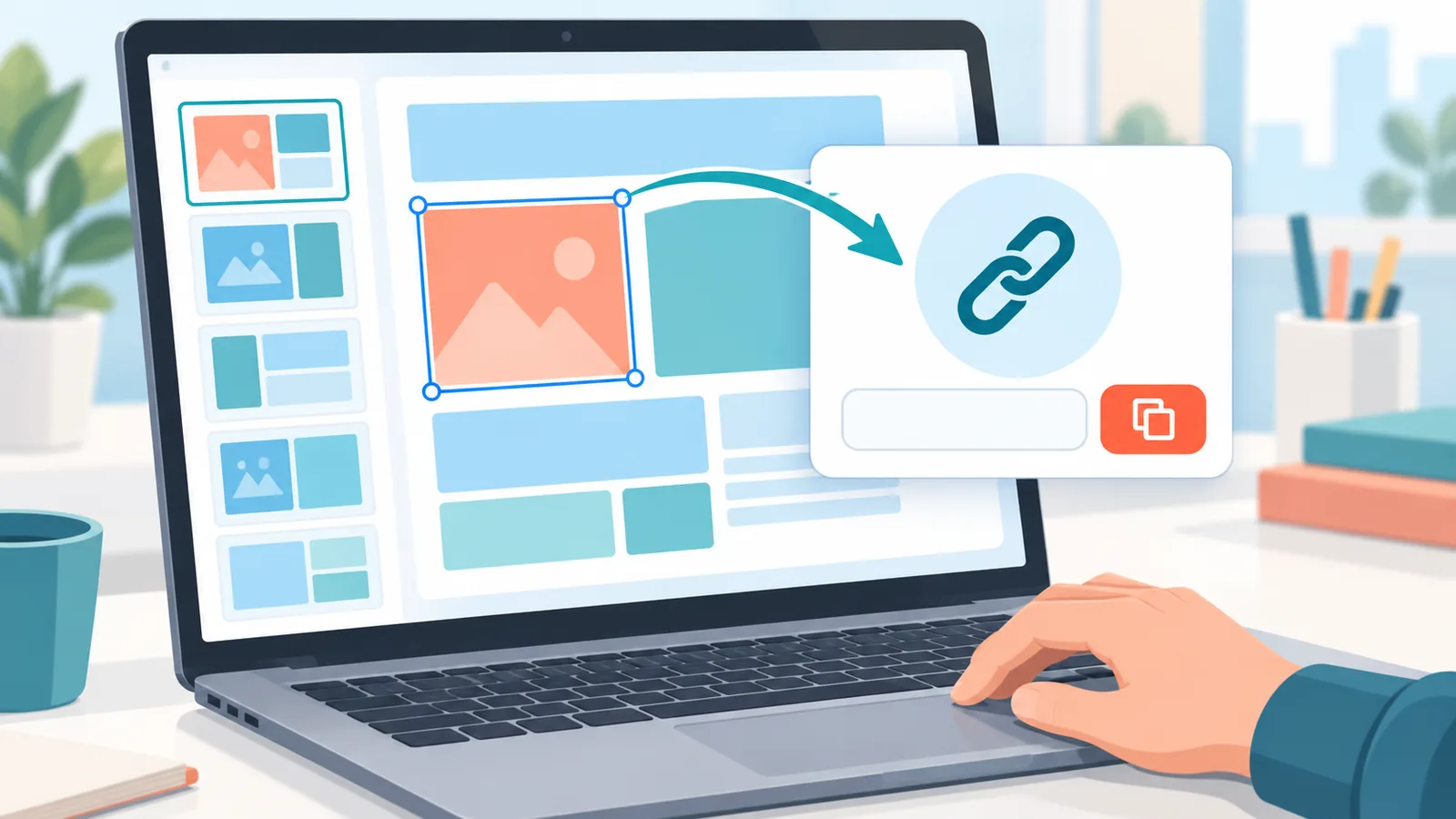
Also keep in mind that you can use Canva content inside your own sellable designs, but you cannot sell Canva elements on their own, whether unchanged or minimally changed (S3). Do not assume that recoloring, cropping, or adding a border makes an element safe to sell. When in doubt, build an original design and read the current terms.
Selling Print Products and Print-on-Demand
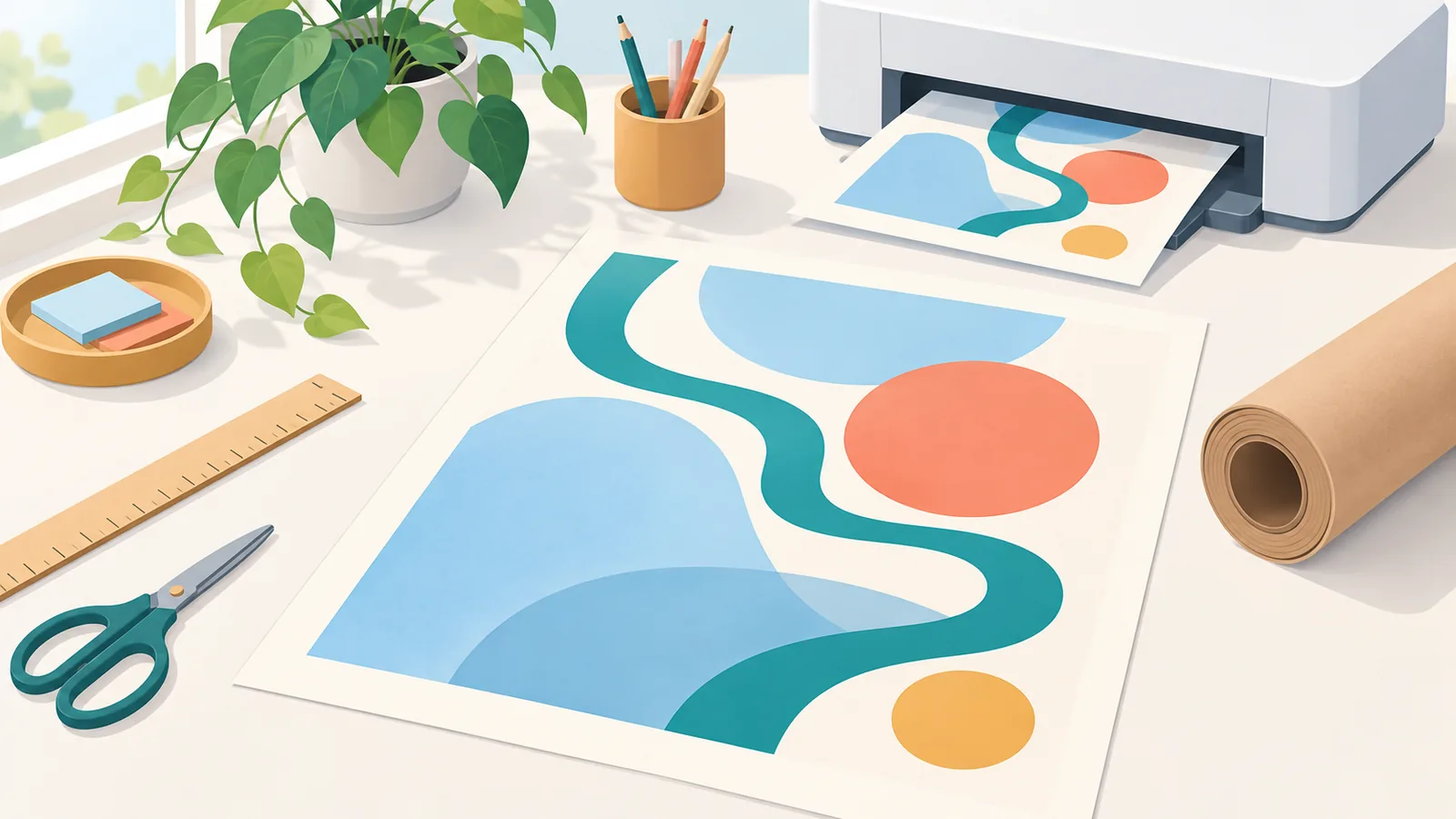
Printed products are allowed, including print-on-demand, but Canva’s help center says the design must be original and Canva content cannot be printed as-is and sold (S3). Examples of print-friendly products from Canva’s own guide include calendars and wall art (S1).
Run through this checklist before you list a printed product:
- The layout and overall design are your own original work.
- No standalone Canva element is the product itself.
- Nothing from Canva is reprinted as-is on the product.
- You have reviewed Canva’s current terms for the sales method you plan to use.
The Rule You Cannot Skip: What You Cannot Sell
Licensing mistakes are the costliest errors beginners make, because they can force you to pull a product after you have already built and listed it. Based on Canva’s help center, these are the main things you cannot sell (S3):
- Canva elements sold on their own, whether unchanged or minimally changed.
- Template files that contain Pro content, such as a PDF of a Pro-content template.
- Canva content reprinted as-is on a product.
🛒 Recommended Product
Licensing can vary depending on whether you use Free or Pro content and how you sell. Use this pre-listing checklist every time:
- Is my design original, rather than a repackaged Canva element?
- Do I know whether my template contains Pro content?
- Am I delivering the template in a format allowed for that content?
- Have I checked Canva’s latest terms today, before listing?
Joining the Canva Creators Program
Canva’s help center describes a Creators program in which Creators earn royalties based on how their templates and elements are used (S4). Usage is measured by actions such as downloads, prints, and presentations. Canva says the exact size of the monthly royalty pool is not disclosed (S4).
To apply as a template Creator, you need a portfolio. Canva also says the program is in beta and that replies can take months (S4). That makes the 30-day plan below useful: the sample designs you build for it can double as a portfolio.

One regional note: the help-center page referenced here is the Australian version. If you are in the United States, confirm the current terms and eligibility in your own Canva account before you plan around the program.
How Much Can You Realistically Earn?
This is the section where many guides overpromise, so here is exactly what the sources support. Canva says Creator royalties depend on usage and that the pool amount is not public (S4). Shopify’s guide reports one Creator earning $2,000 per month (S2), but that is a single reported case, not an average, and the sources used here do not say how long it took, how many templates were involved, or what method the person used.
Canva’s own materials suggest that earning quickly is possible (S1). That is a marketing message, not a guarantee, an average, or a timeline you should expect.
No verified data on typical beginner income was found in the sources used for this article. Instead of guessing a number, weigh the factors that will shape your results:
- Time: how many hours per week you can realistically spend.
- Sales and exposure: a product only earns if buyers can find it.
- Costs: including any subscription you decide you need.
- Rules: products that break Canva’s terms can end up earning nothing.
A Realistic 30-Day Launch Plan
This is a suggested schedule, not a verified result. Adjust it to your own time and goals.
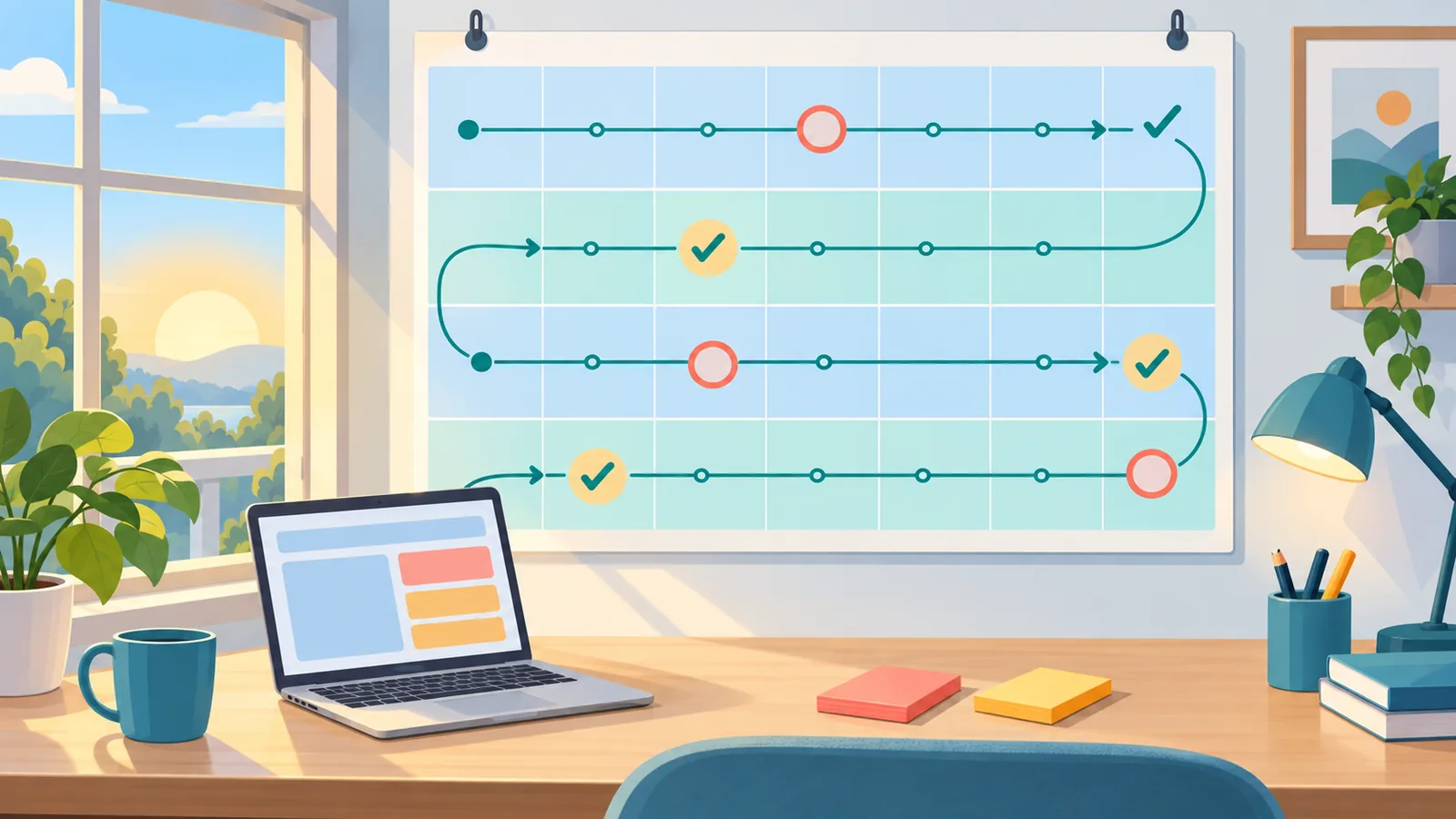
- Week 1: choose a path (services or products), choose a narrow niche, and set up your Canva account.
- Week 2: build 3 to 5 sample designs for a portfolio. These samples can also support a future Creators application.
- Week 3: create your first offer, either a service package or a template, and check it against the licensing rules above.
- Week 4: publish or list your offer, collect feedback, and refine it.
The goal of the first month is a working offer and a small portfolio, not a specific income figure.
Common Mistakes to Avoid
- Treating the $2,000 case as typical income. It is one reported example.
- Selling Pro-content templates as PDFs. Canva says these can be sold only as a template link (S3).
- Skipping the client rights-transfer clause. Canva advises transferring rights by contract (S3).
- Reselling Canva elements on their own. This is not allowed (S3).
- Not rechecking Canva’s current terms. Licensing varies by content type and sales method.
FAQ
Can beginners start with just Canva?
Canva’s guides describe designing and selling items such as planners, worksheets, and templates using the platform (S1, S2). Beginners can start by building a small portfolio and one simple offer, while following Canva’s license rules.
Should I start with client work or digital products?
No verified data shows that one is more profitable. Client work usually means less upfront building and more communication, while products mean more upfront building and a repeatable offer. Choose the one that fits your time and temperament.
Can I sell templates made with Pro content?
Yes, but only as a Canva template link. Canva says Pro-content templates cannot be sold as PDFs or other template files (S3).
How do I deliver a template?
It depends on what the template contains. Pro-content templates must be delivered as a Canva template link, while Free-only templates can be delivered as a PDF or a template link if Canva’s conditions are met (S3).
What do I need to join Canva Creators?
Canva’s help center says template applications require a portfolio, that the program is in beta, and that replies can take months (S4). Confirm current eligibility in your own Canva account.
How much will I make?
No verified figure for typical beginner income was found in the sources used. One reported case of $2,000 per month exists (S2), but it is not an average and should not be used as a target.
Before you list your first product, read Canva’s official guidance on designing products for sale so you know which formats and content are allowed.
References
- [S1] Canva, How to make money with Canva: Wall art, ebooks, calendars and more
- [S2] Shopify Australia, How To Make Money With Canva in 2026: 15 Ways
- [S3] Canva Help Center, Use Canva to design digital and physical products for sale
- [S4] Canva Help Centre, About the Canva Creators program
Want more comparisons and buying guides?